

Integrations overview
EVAL integrates with your existing health IT infrastructure so that evaluations become part of your clinical workflow rather than a separate system. By connecting EVAL to your electronic health record (EHR), your clinicians can launch evaluations directly from within the EHR, synchronize patient demographics automatically, and write evaluation results back as structured clinical documentation — all without leaving their familiar tools.
If your organization doesn't use an EHR, EVAL works just as well on its own. You can manage patients directly in EVAL's Patients workspace and connect an EHR later when you're ready.
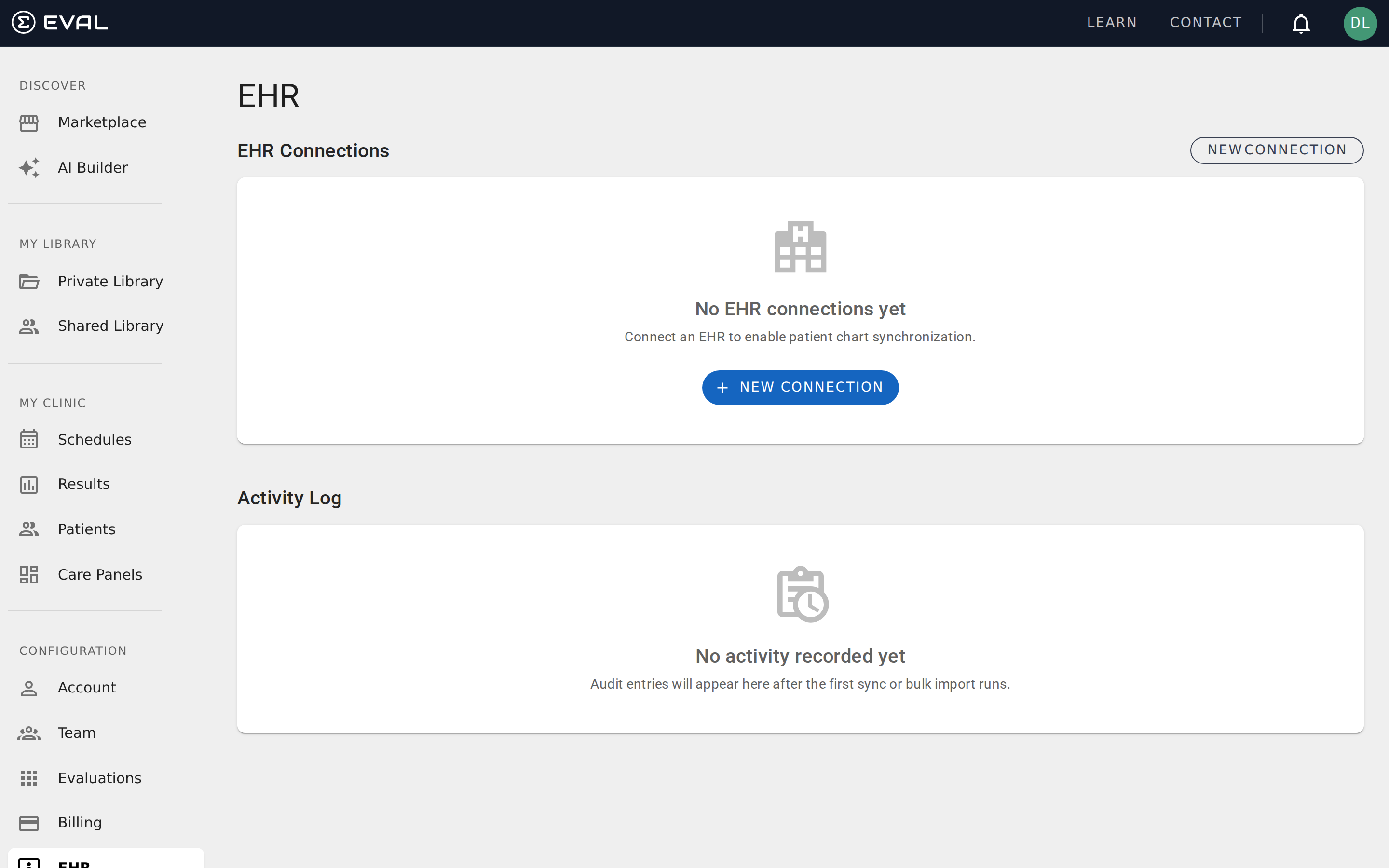
Navigate to EHR in the CONFIGURATION section of the sidebar to manage your organization's EHR connections.
Supported EHR systems
EVAL supports connections to eight major EHR platforms, all through a standards-based FHIR integration:
- Epic — the most widely deployed EHR in US health systems
- Cerner (Oracle Health) — used across hospitals, clinics, and health networks
- athena (athenahealth) — cloud-based EHR popular with ambulatory practices
- eClinicalWorks — widely used in outpatient and community health settings
- Allscripts — deployed across diverse healthcare organizations
- Veradigm — healthcare data and analytics platform (Allscripts backbone)
- KAREO (Tebra) — practice management and EHR for independent practices
- US Veterans Affairs — VA health system integration
Each EHR connects through the same FHIR-based architecture, so the setup process is consistent regardless of which system your organization uses. The differences between vendors are primarily in where you find your configuration credentials — the connection flow in EVAL follows the same pattern for all systems.
How EHR integration works
An EHR connection establishes a secure channel between EVAL and your EHR system using the HL7 FHIR standard and SMART on FHIR protocols. Once connected, data flows in both directions — EVAL reads patient context from the EHR and writes evaluation results back as clinical documentation.
Each connection supports one or more connection modes that determine how EVAL interacts with your EHR:
EHR Launch allows clinicians to open EVAL directly from within the EHR interface. The EHR passes patient context to EVAL automatically, so clinicians see the right patient without manual lookup. This is the most common mode for clinical workflows.
Single Sign-On (SSO) lets clinicians sign into EVAL using their EHR credentials. Instead of launching from within the EHR, they access EVAL directly and authenticate through their EHR's identity system.
Background Service enables automated patient data synchronization without user interaction. EVAL periodically imports patient demographics, clinical data, and chart information from the EHR in the background — keeping your EVAL patient records current without manual effort.
A single EHR system can have multiple connections — for example, one connection for EHR Launch (so clinicians can open EVAL from within Epic) and another for Background Service (to keep patient data synchronized automatically).
What you need before connecting
Before creating an EHR connection in EVAL, you'll need several pieces of information from your EHR system administrator or IT team:
- Service Base URL — the FHIR endpoint URL for your EHR instance (your EHR technical support can provide this)
- Connection credentials — client ID and any authentication details required by your EHR
- FHIR capability confirmation — your EHR must support FHIR R4 and SMART on FHIR v1
The exact configuration details vary by EHR vendor. EVAL's connection wizard guides you through the process and validates compatibility during the discovery step.
Getting started
Security and notifications
Change your password, understand your security role, and configure which EVAL notifications you receive by email or text message.
Creating connections
Set up a new EHR connection using EVAL's guided discovery wizard, with vendor-specific configuration notes for Epic, Cerner, athena, and more.