

Contact and profile
Your contact information, profile photo, and bio are how you present yourself across the EVAL platform. Your name and credentials appear on evaluation results, Care Panel assignments, and anywhere your work is shared with colleagues. Keeping this information current helps your team identify you and understand your professional role.
Navigate to your profile by clicking your avatar in the top-right corner and selecting My Profile.
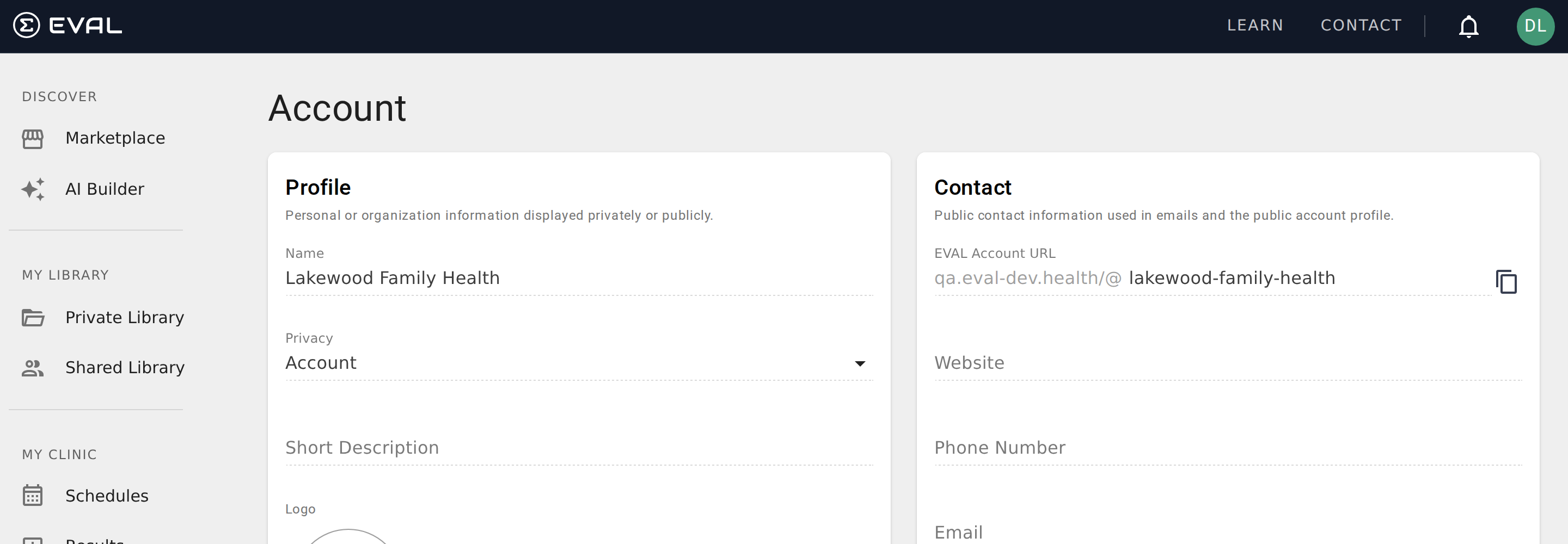
Contact information
The Contact card displays your core professional identity: your name, credentials, title, email address, and mobile phone number.
Click Edit to open the Contact dialog, where you can update your name, credentials, and professional title directly. Your name is the only required field — credentials (such as MD, PhD, or RN) and title (such as Associate Professor of Medicine or Research Coordinator) are optional but help colleagues understand your role.
The Contact dialog also shows your email address and mobile phone number, but these fields require a verification step before they can be changed. Click the Change button next to either field to start the verification process — EVAL sends a confirmation to the new address or number, and the change takes effect once you verify it. This protects your account from accidental changes to critical contact methods.
Your contact information is considered protected data. A privacy notice at the top of the Contact dialog reminds you of this and links to the EVAL Privacy Policy.
Profile photo and visibility
The Profile card controls two things: your profile photo and your profile visibility setting.
Click Edit to open the Profile dialog. The avatar editor lets you upload a photo and crop it to a square format. Your photo appears next to your name throughout EVAL — in the top navigation bar, on team member lists, and alongside evaluation results you've submitted. A recognizable photo helps your colleagues quickly identify your contributions in shared workspaces.
Below the photo editor, the Privacy dropdown controls who can see your profile:
Public means anyone on the public internet can view your profile. This is appropriate if you want your professional presence to be discoverable — for example, if you publish evaluations on the Marketplace and want potential users to learn about your background.
Private means your profile is only visible to other users within your organization's EVAL account. This is the default setting and the right choice for most users who work primarily within their own team.
About section
The About card provides a rich-text editor where you can write about your professional background, clinical specialties, research interests, or anything else you'd like colleagues (or the public, if your profile is set to Public) to know about you. The editor supports formatting like bold text, italics, and lists — it's not a plain text field.
Click Edit to open the About editor. There's no strict character limit, but keep your bio concise and relevant. A few sentences describing your clinical role, areas of specialty, and relevant certifications is usually sufficient. For researchers, include your institution, study focus areas, and any publications that provide context for your evaluation work.
The About section is entirely optional. If you leave it empty, the card simply won't display any content on your profile. The content you enter is rendered as formatted HTML on your profile page, displayed in a scrollable area so longer bios don't overwhelm the layout.
What others see
The information on your profile page appears in different contexts throughout EVAL:
Your name and credentials appear on evaluation results, Care Panel team lists, and anywhere your identity is shown to colleagues. If you have PhD credentials and your name is Jane Smith, others see "Jane Smith, PhD."
Your profile photo appears in the navigation bar, on team member lists, and next to your name in collaborative contexts like Care Panels.
Your About section is visible when someone views your full profile — either from a team member list or from the Marketplace if your profile is Public.
Your email and phone number are not displayed publicly. They're used for login, password recovery, and notification delivery. Other team members cannot see your contact details unless your organization's administrator shares them separately.