

EHR connection issues
EHR connections depend on external systems — your Epic, Cerner, or Athena instance — which means there are more potential failure points than in other parts of EVAL. This page helps you diagnose connection problems, authentication failures, sync errors, and launch issues using the Activity Log and connection status indicators.
For general EHR setup instructions, see Integrations. This page focuses specifically on what can go wrong and how to fix it.
Prerequisites: Account Administrator access is required to view and manage EHR connections.
Using the Activity Log
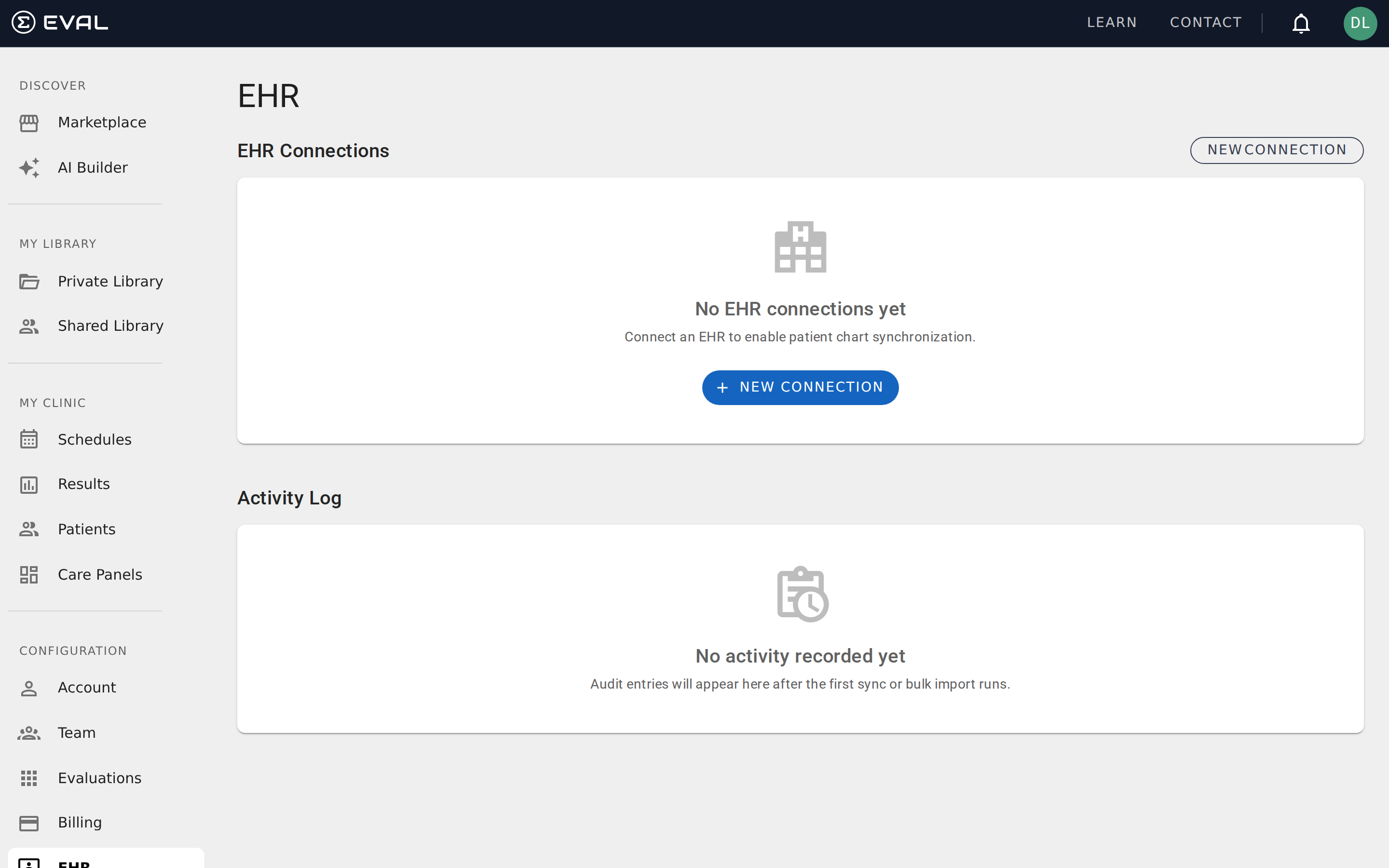
The Activity Log on the EHR page (under Configuration) is your primary diagnostic tool. It records every sync operation, showing the operation type, connection name, timestamp, record count, elapsed time, and status.
Each log entry shows one of two statuses:
- SUCCESS (green badge) — The operation completed without errors. The entry shows how many records were fetched and how long it took.
- ERROR (red badge) — The operation failed. The entry includes error details that explain what went wrong.
You can filter the Activity Log by Operation type (Patient Sync, Bulk Import, etc.) and by Connection to narrow down issues with a specific integration. Click Refresh to load the latest entries.
Connection errors
These issues prevent EVAL from communicating with your EHR system entirely.
Authentication errors
These issues involve credentials and authorization between EVAL and your EHR.
patient/*.read for patient sync) to function. Check the API permissions configured for EVAL in your EHR system and ensure all required scopes are granted.Patient sync errors
These issues affect the import and synchronization of patient records.
EHR Launch and SSO issues
These issues affect launching EVAL from within the EHR using SMART on FHIR.
launch/patient — and verify that EVAL can resolve the patient ID from the launch context.Diagnostic checklist
When an EHR issue doesn't match any specific error above, work through this checklist:
- Check the Activity Log — Filter by the affected connection and look for patterns in recent failures
- Verify credentials — Confirm the client ID and secret are current and haven't been rotated
- Test the FHIR endpoint — Try accessing the FHIR Base URL directly to verify it's reachable
- Check network access — Ensure EVAL's servers can reach your EHR (firewalls, IP allowlists, VPN requirements)
- Review EHR permissions — Verify that EVAL's registered application has the required FHIR scopes
- Check for EHR updates — Recent EHR upgrades can change endpoint URLs or API behaviors
- Contact EVAL support — If the issue persists, provide the Activity Log error details and connection configuration
Builder errors
Understand and resolve every validation error that can appear in the Builder's Errors tab — from missing fields to formula problems and broken rules.
Reference
Browse EVAL reference documentation covering accounts, role-based permissions, organization administration, security and privacy, and patient Charts.