

Builder errors
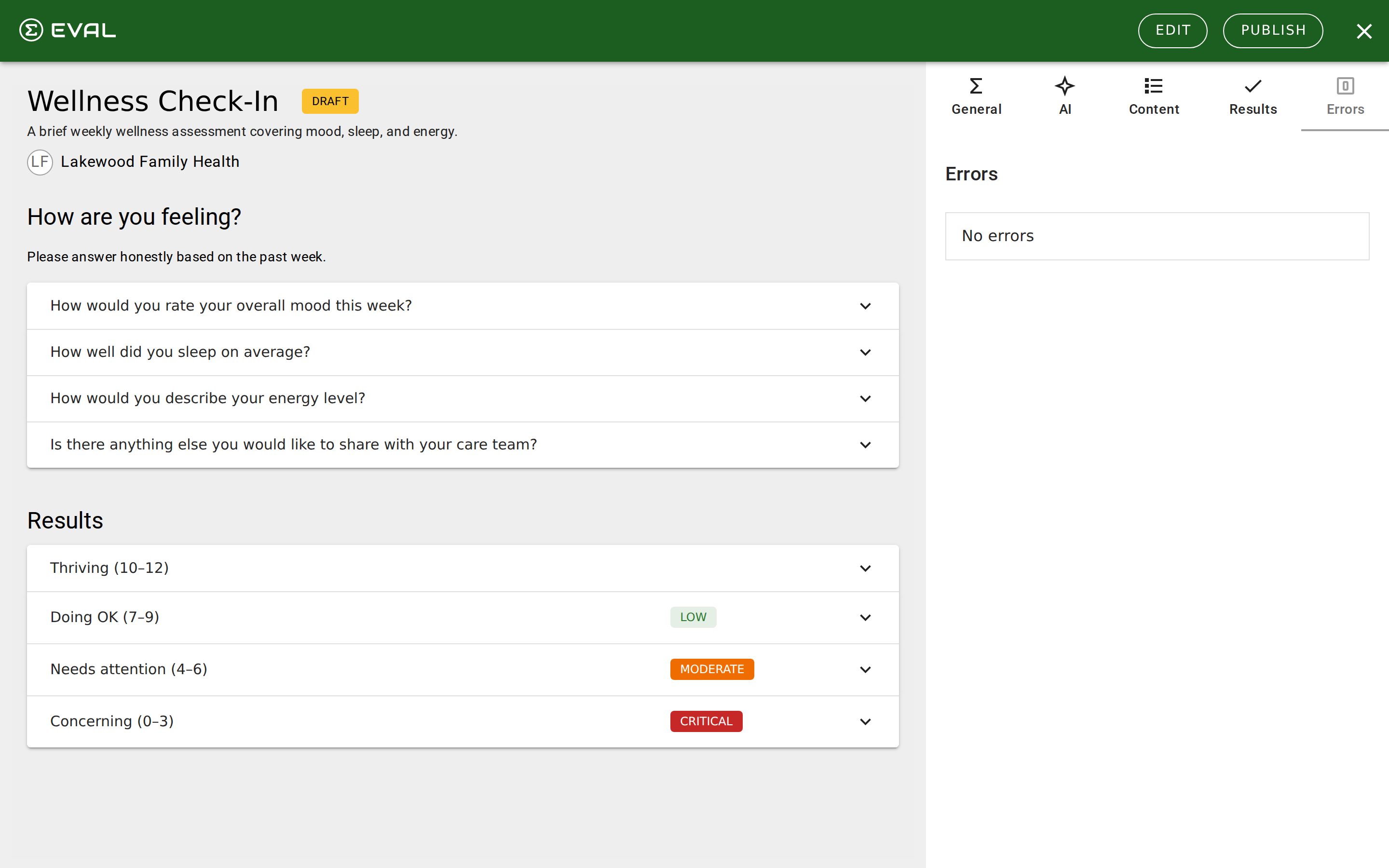
The Builder's Errors tab is your evaluation's quality gate. It validates your entire evaluation in real time and flags anything that would prevent it from working correctly when published. You must resolve all errors before you can publish a new revision.
This page covers every error type you may encounter, organized by category. For a general overview of how the Errors tab works, see Error resolution in the Builder section.
How to use this reference
When you see an error in the Errors tab, find it by category below. Each entry explains what the error means, why it occurs, and how to fix it. Errors include a View button that jumps directly to the element causing the problem — use it to navigate to the exact section, question, or result that needs attention.
Content errors
These errors mean a structural element is incomplete or empty.
Required field errors
These errors mean a required field was left blank on an element's configuration.
Formula and rule errors
These errors involve the scoring logic and conditional visibility rules in your evaluation.
PainScore or Total_Value.Score > 10) or use an IF function that returns TRUE or FALSE.Test errors
These errors appear when scenario tests don't produce expected outcomes.
Tips for efficient error resolution
- Fix content and required field errors first. These are the simplest to resolve and sometimes clear formula and rule errors that depend on the missing elements.
- Use the View button. Every error has a View button that navigates directly to the problematic element. This saves you from hunting through complex evaluations.
- Watch the error count. The Errors tab badge shows the total count. As you fix errors, watch it decrease in real time — the builder validates continuously as you edit.
- Check after structural changes. Adding, removing, or reordering sections and questions can create new errors (especially broken rule references). Check the Errors tab after major structural edits.
Troubleshooting
Diagnose and resolve common issues in EVAL — from builder validation errors and publishing failures to EHR connection problems and sync errors.
EHR connection issues
Diagnose and resolve problems with EHR connections, patient synchronization failures, authentication errors, and SMART on FHIR launch issues.