

API keys
API keys enable programmatic access to EVAL's data and functionality from external systems. Whether you're building a custom integration, syncing data with a research platform, or connecting a third-party reporting tool, API keys provide authenticated access without requiring a user login. Each key has its own set of permissions, so you can grant exactly the level of access each integration needs.
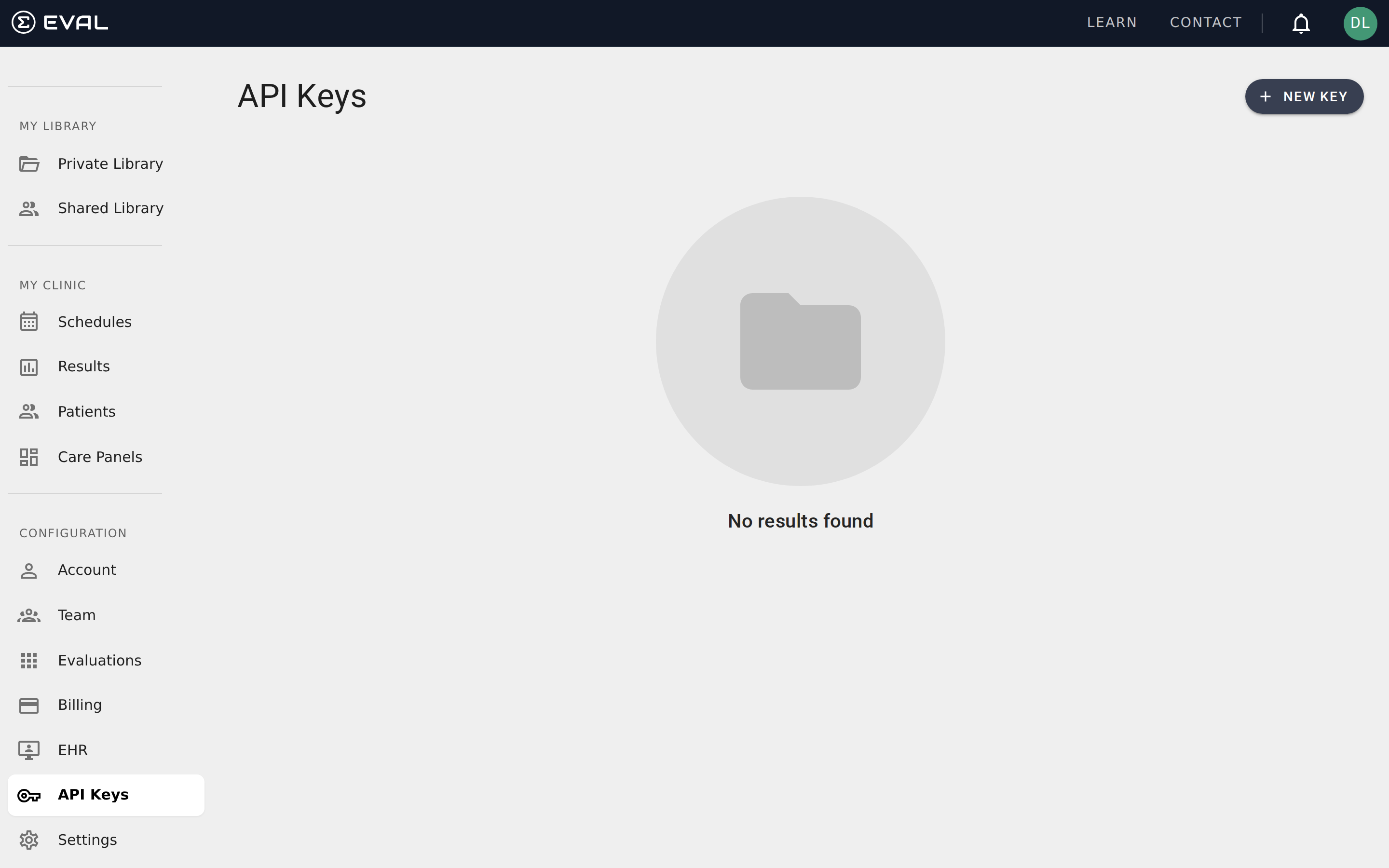
Navigate to API Keys in the CONFIGURATION section of the sidebar. This page is available to Account Administrators and Account Maintenance users.
Viewing your keys
The API Keys page lists all keys associated with your account. Each key displays its name, a partially masked key value (showing the first few characters and last four), and the date it was created. Click any key to edit its name, permissions, or delete it.
Creating a key
Click + New Key to open the key creation dialog. You'll provide two pieces of information:
Name identifies the key's purpose. Use a descriptive name that makes it clear what the key is used for — such as "EHR Integration" or "Research Data Export." This helps your team understand what each key does when reviewing the list later, especially as your organization accumulates multiple keys for different systems.
Permissions control what the key can access. Each permission grants access to a specific area of the EVAL API:
- Account Admin — access to account-level data and configuration, including team member management and organizational settings
- Charts Read — read-only access to patient charts, results, and clinical data, ideal for reporting and analytics integrations
- Charts Read/Write — full access to read and modify patient chart data, required for integrations that need to create or update patient records
You can select multiple permissions to create a key with broad access, or limit a key to a single permission for tighter security. You must select at least one permission before the key can be created.
Managing existing keys
Click any key in the list to open its detail dialog, where you can:
- Rename the key to better reflect its current purpose
- Change permissions to expand or restrict what the key can access
- Delete the key if it's no longer needed
Permission changes take effect immediately — if you remove Charts Read/Write from a key, any system using that key will lose write access on its next API call. Deleting a key is permanent and also takes effect immediately. Any systems using the deleted key will lose all access to EVAL's API on their next request.
Before deleting a key, verify that no active integrations depend on it. If you're unsure which system uses a particular key, the key name should provide a clue — this is why descriptive naming at creation time is important.
Security best practices
API keys provide direct access to your EVAL data, so they should be treated with the same care as passwords:
- Never share keys in plain text via email, chat, or documentation. Use a secure secrets manager or vault.
- Use the minimum permissions necessary. If an integration only needs to read patient data, use Charts Read instead of Charts Read/Write.
- Rotate keys periodically. Delete old keys and create new ones on a regular schedule to reduce the risk of compromised credentials.
- Monitor usage. If you notice unexpected API activity, revoke the affected key immediately and create a replacement.
Common use cases
Organizations typically use API keys for a few specific scenarios. EHR integrations use keys to synchronize patient data between EVAL and electronic health record systems, ensuring that clinical information flows automatically without manual data entry. Research data pipelines use read-only keys to extract evaluation results for analysis in external statistical or data science platforms. Custom dashboards use keys to pull real-time results data into organization-specific reporting tools that supplement EVAL's built-in Results view. Automated workflows use keys to trigger evaluation assignments or update patient records based on events in other systems.
If you're not sure whether your organization needs API keys, the answer is usually tied to integration requirements. If all your clinical workflows happen entirely within EVAL's interface, you likely don't need any keys. If you're connecting EVAL to other systems — whether for data exchange, reporting, or automation — API keys are the mechanism that makes those connections possible.