

Account Administration overview
The CONFIGURATION section of the sidebar gives administrators control over everything that shapes how your organization uses EVAL — from the public profile that represents your organization in the Marketplace, to the team members who access the platform and the roles that define what each person can do.
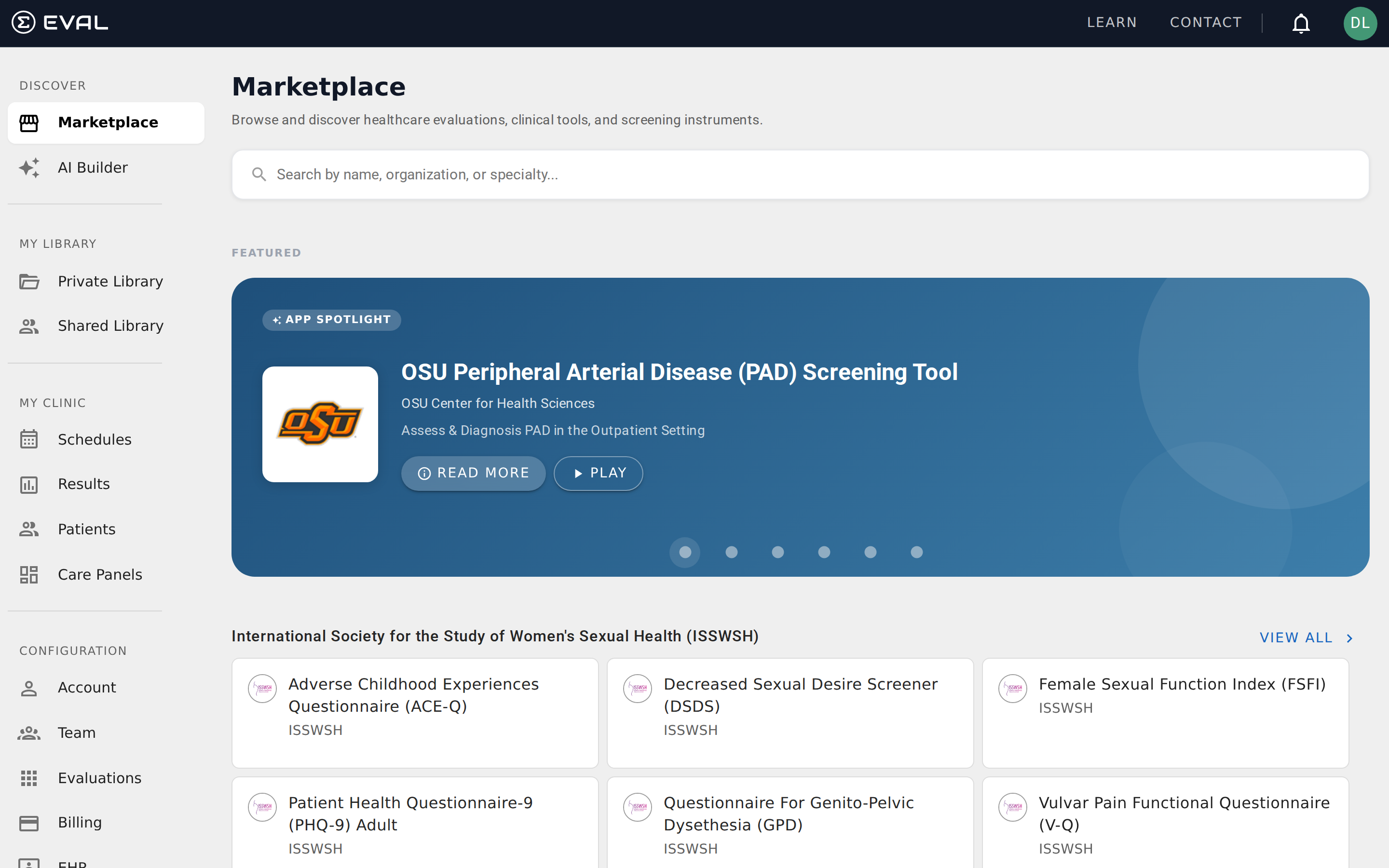
You'll find the CONFIGURATION section at the bottom of the sidebar. It's visible only to users with administrative or maintenance-level access to the account.
What you can configure
The CONFIGURATION section contains seven areas, each accessible from the sidebar:
Account is your organization's public identity — the name, logo, description, and contact information that appear in the Marketplace and on shared evaluations. See Organization profile.
Team is where you manage the people who use EVAL in your organization. Add new team members, assign roles, manage credentials, and control who has access to what. See Managing team members.
Evaluations shows all evaluations across your account, including those in your Library and any shared with your organization. This gives administrators visibility into the full evaluation inventory. See Managing evaluations.
Billing manages your subscription plan, payment methods, and usage. This section is restricted to Account Administrators. See Billing and subscriptions.
EHR configures connections to electronic health record systems. See EHR integrations for details on setting up and managing EHR connections.
API Keys provides access tokens for integrating EVAL with external systems programmatically. This section is available when the API Keys feature is enabled for your account. See API keys.
Settings contains account-wide preferences and configuration options that affect how EVAL behaves across your organization. See Account settings.
First steps after creating your account
When you first set up your EVAL account, there are a few configuration tasks worth completing early. Start by filling out your organization profile — the name, logo, and contact information that identify your organization across the platform. Then add your team members with appropriate roles so everyone can log in and start working. These foundational steps ensure your organization is ready before you begin creating evaluations or managing patients.
Who can access configuration
Access to the CONFIGURATION section is controlled by security roles. There are three levels of access, and each one determines what a team member can see and do:
Account Administrators have full access to every configuration area, including Billing. They can manage team members, change roles, configure EHR integrations, and adjust account-wide settings. Every organization needs at least one administrator.
Account Maintenance users can access most configuration areas — Account, Team, Evaluations, EHR, API Keys, and Settings — but they cannot access Billing. This role is ideal for team leads or coordinators who need to manage day-to-day configuration without billing responsibility.
Account Users have no access to the CONFIGURATION section at all. They use EVAL's clinical and evaluation tools but don't see or interact with administrative settings. If a team member needs configuration access, an administrator must upgrade their security role.
For a detailed breakdown of what each role can do across the entire platform, see Roles and permissions.
Getting started
How practitioners use the Patient Portal
Understand the end-to-end workflow for delivering evaluations through the Patient Portal, from scheduling assessments to reviewing completed results.
Organization profile
Configure your organization's name, logo, contact details, and public description that appear across EVAL and in the Marketplace.