

Introduction
Welcome to the EVAL Health documentation. Whether you're a clinician managing patient assessments, a researcher coordinating a multi-site study, or an administrator setting up your organization's account, this section gives you the foundational knowledge you need to work effectively with the platform.
EVAL is a no-code platform that lets healthcare professionals build clinical evaluations, deliver them to patients across multiple channels, and track outcomes in real time. You don't need technical expertise to create sophisticated assessment tools — the platform handles the software while you focus on the clinical content.
Where to start
Your path through this documentation depends on your role and what you need to accomplish.
If you're new to EVAL, start with What is EVAL Health to understand the platform's purpose and architecture. Then review Key concepts to learn the vocabulary you'll encounter throughout this documentation — terms like "evaluation," "revision," "Care Panel," and "intake" have specific meanings in EVAL that may differ from how you use them in your clinical practice. Once you're oriented, the navigation reference shows you how to find everything in the platform's interface.
If you're a clinician or researcher ready to start working, jump directly to Care Panels for population management or Patients for individual patient records.
If you're an evaluation builder, the Builder section walks you through creating evaluations from scratch, including sections, questions, scoring formulas, and visibility rules.
If you're an administrator setting up your organization, head to Account Administration for team management, billing, and EHR configuration.
If you already know what you want to do, the home page routes you by task.
About this documentation
This documentation covers both the clinician platform (where you build evaluations, manage patients, and track results) and the patient portal (where patients complete assessments and view their outcomes). Each section focuses on what you can accomplish rather than listing every button and field — the goal is to help you work effectively, not to inventory the interface.
Pages are organized by feature area, and each section starts with a hub page that routes you to specific topics. You'll find practical recommendations throughout in tip callouts, along with notes and warnings for important details you shouldn't miss.
The major documentation sections cover:
- Care Panels — Organizing patients into groups, tracking results, scheduling assessments, and coordinating care across your team
- Patients — Working with individual patient records, running evaluations, and reviewing results
- Builder — Creating evaluations with sections, questions, results, formulas, and visibility rules
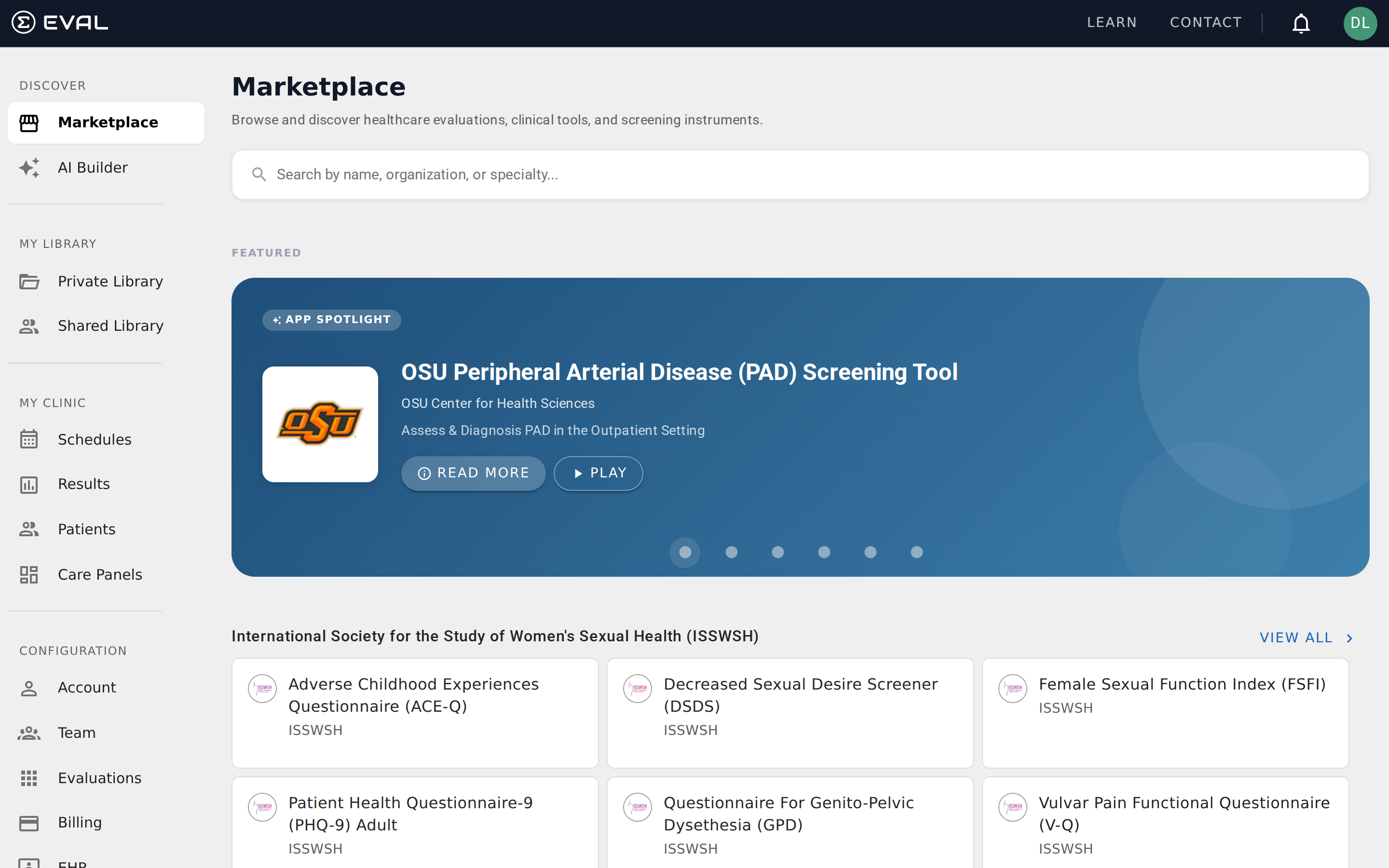
- Library and Marketplace — Organizing your evaluations and discovering validated clinical instruments
- Account Administration — Managing your organization, team members, billing, and EHR connections
In this section
Documentation home
Documentation for the EVAL Health platform — run your clinic, build clinical evaluations, manage research studies, and integrate with EHR systems.
What is EVAL Health
EVAL is a no-code platform where healthcare teams build clinical evaluations, deliver assessments to patients, and track outcomes.